Quick & easy

Identify a stone in 3 steps

1. Point your camera

Open GeoLens and aim at the stone, or pick a photo from your gallery.
01

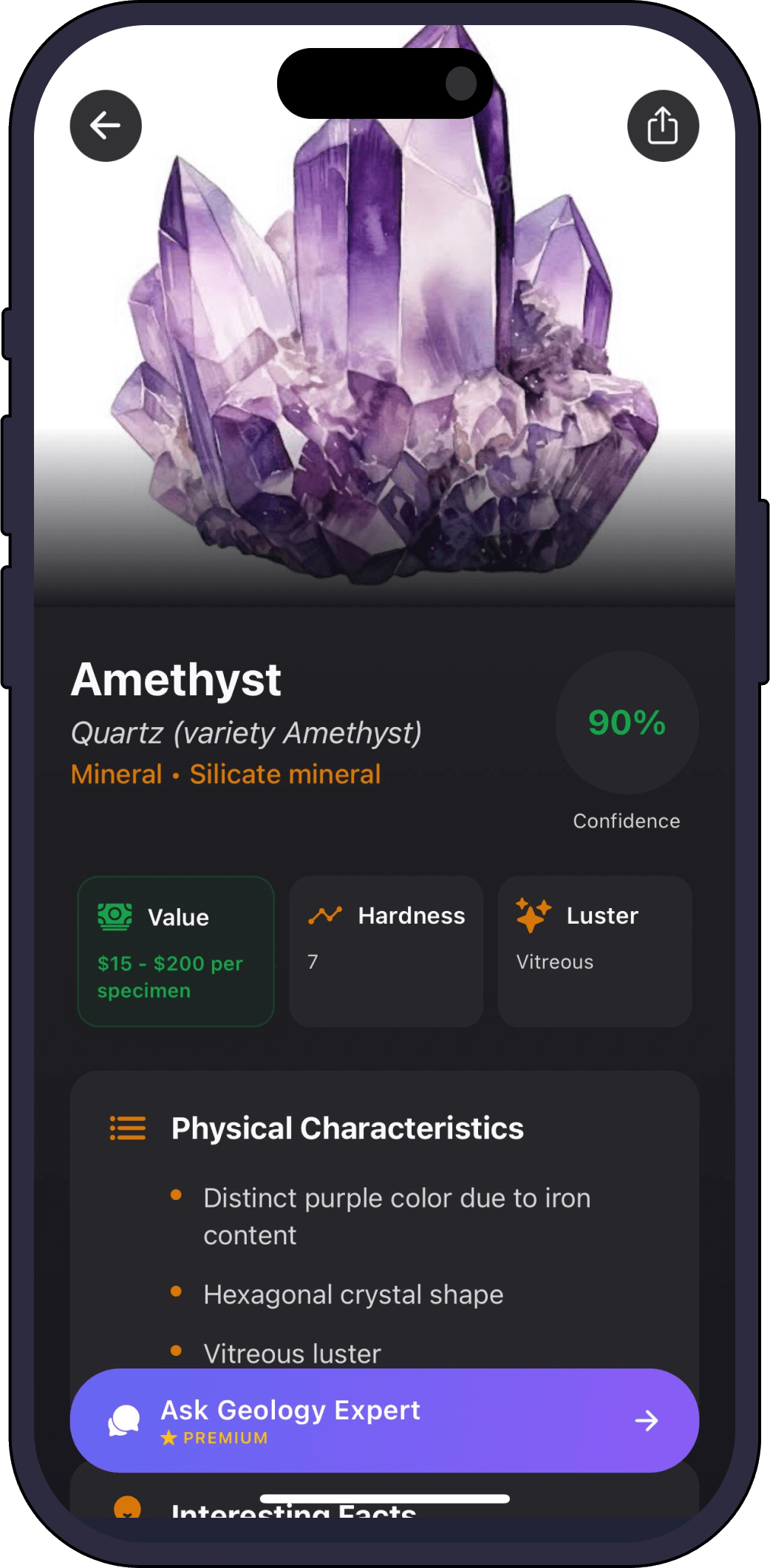
2. Get an instant ID

The AI returns the most likely match with a confidence score and a full profile.

02

3. Save and learn

Add it to your collection and ask the AI geology expert anything about it.

03
Full profile

What GeoLens tells you about your stone

  • Type

    Rock, mineral or gemstone, and which kind.

  • Hardness & texture

    How hard and how coarse or fine it is.

  • Formation

    How the stone came to be.

  • Value & rarity

    Whether your stone is common or a keeper.

  • Fun facts

    Something memorable about every find.

One scanner, every specimen

GeoLens identifies more than stones

FAQ

Stone identifier questions

What kinds of stones can it identify?
Everything from beach pebbles and river rocks to crystals, gemstones and collector minerals.
Do I need to clean the stone first?
A quick rinse and good light help, since dirt and shadows can hide the features the AI looks for.
Is the stone identifier free?
Yes, free to try, with premium for unlimited scans and full profiles.
How accurate is it?
Each scan shows a confidence score, and clearer photos give more confident results.
Get the app

Identify your first stone free

Download Rock Identifier: GeoLens on the App Store

Free to try. iPhone, 11 languages.