Quick & easy

Identify a crystal in 3 steps

1. Point your camera

Open GeoLens and aim at the crystal, or pick a photo from your gallery.
01

2. Get an instant ID

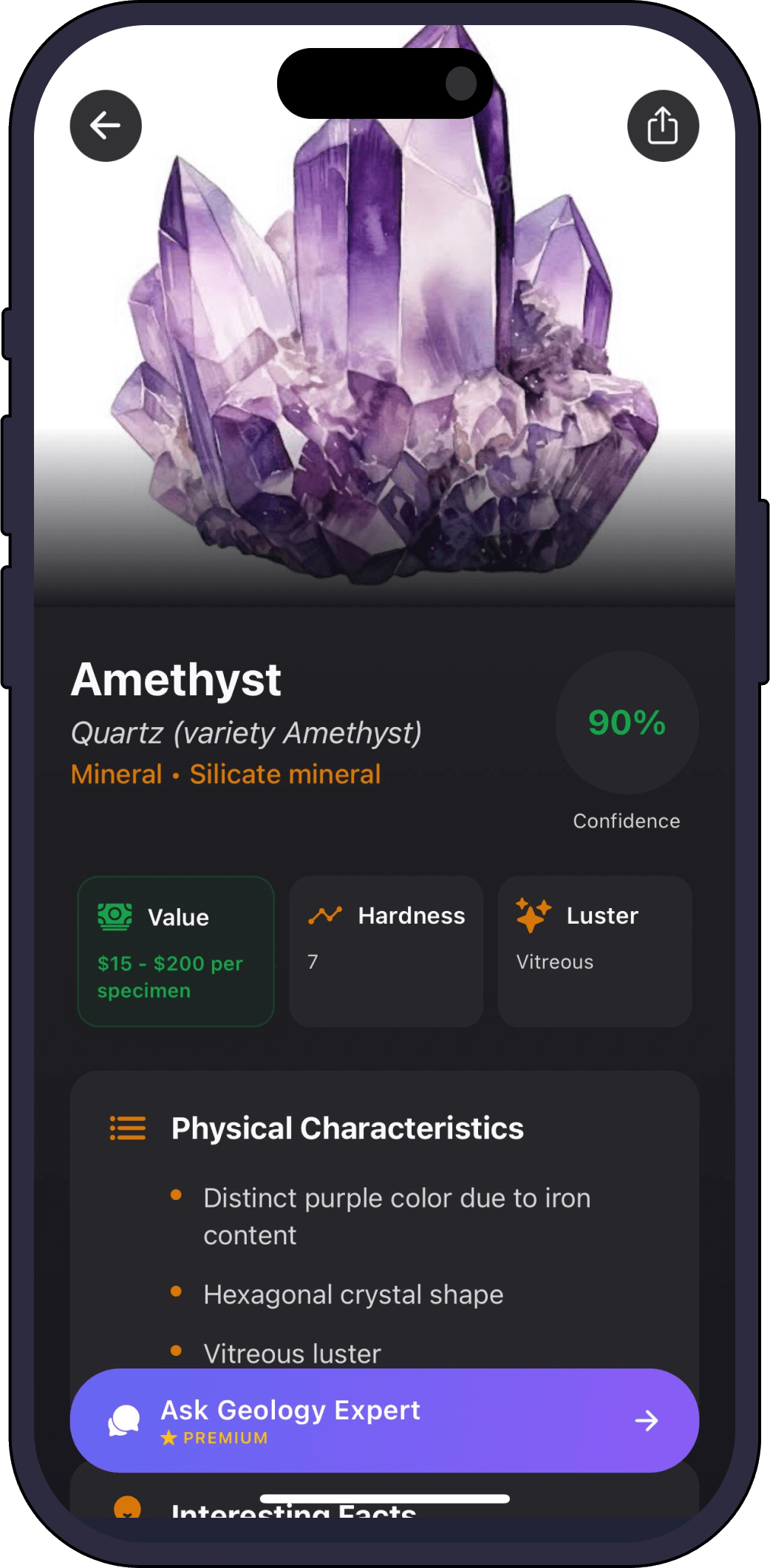
The AI returns the most likely match with a confidence score and a full profile.

02

3. Save and learn

Add it to your collection and ask the AI geology expert anything about it.

03
Full profile

What GeoLens tells you about your crystal

  • Crystal system & habit

    Cubic, hexagonal, the shape it grew in.

  • Hardness & luster

    Where it sits on the Mohs scale, and how it catches light.

  • Formation & origin

    How and where the crystal formed.

  • Value & rarity

    An estimated collector value for your specimen.

  • Color cause

    Why it is purple, pink, green or clear.

One scanner, every specimen

GeoLens identifies more than crystals

FAQ

Crystal identifier questions

Can it identify both raw and polished crystals?
Yes. GeoLens works on rough points, clusters, geodes and polished tumbles. Good light and a clear photo give the most confident match.
Does it work for healing crystals?
It identifies the mineral species behind any healing or metaphysical crystal (rose quartz, amethyst, citrine and more) and shows its real geological profile.
Is the crystal identifier free?
Yes, it is free to try. A premium subscription unlocks unlimited identifications, full profiles and the AI geology expert.
How accurate is the identification?
Every scan shows a confidence score so you can see how sure the AI is. For tricky specimens, photograph from a couple of angles in natural light.
Get the app

Identify your first crystal free

Download Rock Identifier: GeoLens on the App Store

Free to try. iPhone, 11 languages.