Quick & easy

Identify a mineral in 3 steps

1. Point your camera

Open GeoLens and aim at the mineral, or pick a photo from your gallery.
01

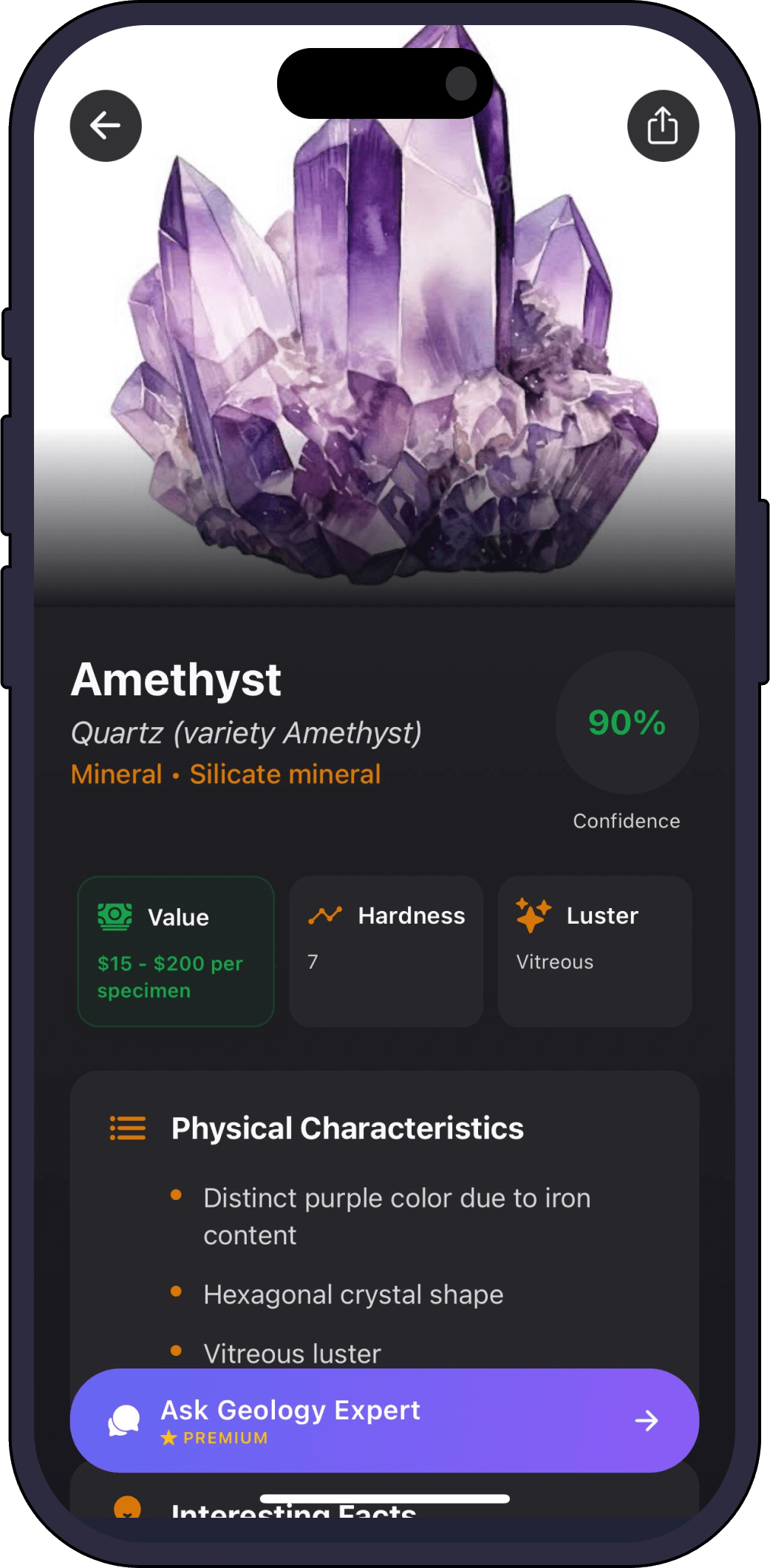
2. Get an instant ID

The AI returns the most likely match with a confidence score and a full profile.

02

3. Save and learn

Add it to your collection and ask the AI geology expert anything about it.

03
Full profile

What GeoLens tells you about your mineral

  • Composition

    The chemistry behind the specimen.

  • Hardness & streak

    Mohs hardness and streak colour, the classic mineral tests.

  • Luster & cleavage

    How it reflects light and how it breaks.

  • Specific gravity

    How dense the mineral is.

  • Value & rarity

    An estimated value for your find.

One scanner, every specimen

GeoLens identifies more than minerals

FAQ

Mineral identifier questions

What minerals can it identify?
GeoLens covers the common rock-forming and collector minerals, from quartz and feldspar to pyrite, mica, calcite and many more.
Do I need to do streak or hardness tests myself?
No. GeoLens estimates the key properties from your photo and reports them for you, though you can always confirm with your own tests.
Is the mineral identifier free?
Yes, it is free to try. Premium unlocks unlimited scans, full mineral profiles and the AI expert.
How accurate is it?
Each result carries a confidence score. Clear, well-lit photos of a clean surface give the most reliable identification.
Get the app

Identify your first mineral free

Download Rock Identifier: GeoLens on the App Store

Free to try. iPhone, 11 languages.