Quick & easy

Identify a fossil in 3 steps

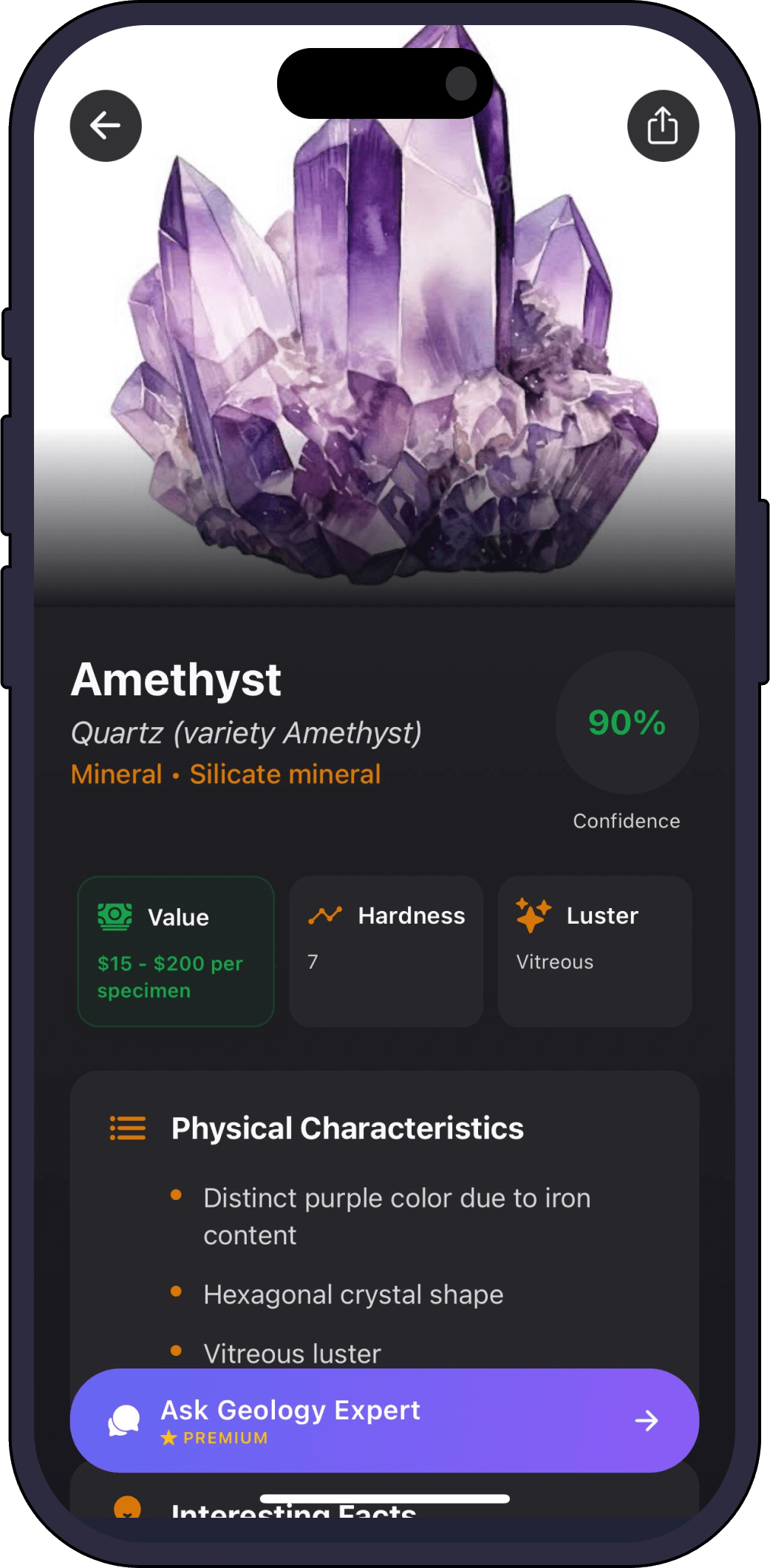
1. Point your camera

Open GeoLens and aim at the fossil, or pick a photo from your gallery.
01

2. Get an instant ID

The AI returns the most likely match with a confidence score and a full profile.

02

3. Save and learn

Add it to your collection and ask the AI geology expert anything about it.

03
Full profile

What GeoLens tells you about your fossil

  • Likely identification

    What the fossil or specimen most likely is.

  • Host rock

    The kind of rock the fossil sits in.

  • Formation & age

    How and roughly when it may have formed.

  • What to look for

    Features that confirm a true fossil.

  • Ask the AI expert

    Dig deeper with follow-up questions.

One scanner, every specimen

GeoLens identifies more than fossils

FAQ

Fossil identifier questions

Can it identify any fossil?
GeoLens is strongest on common fossils and fossil-bearing rocks. For rare or scientifically important finds, contact a local museum or geologist.
How do I know if it is a real fossil?
GeoLens highlights the features that distinguish fossils from look-alike patterns in rock, and you can ask the AI expert to explain.
Is the fossil identifier free?
Yes, free to try, with premium for unlimited identifications and the AI expert.
How accurate is it?
Each result has a confidence score. Photograph the specimen clearly, from more than one angle when you can.
Get the app

Identify your first fossil free

Download Rock Identifier: GeoLens on the App Store

Free to try. iPhone, 11 languages.